Return, Refund and Shipping
All RankRider Solutions products and services are digital and delivered electronically after purchase.
Once a file or project has been accessed, downloaded, or work has begun, sales are final and non-refundable.
If you encounter technical issues or have not received your download, please contact us at support@rankridersolutions.com within 2 days for assistance.
EU customers may withdraw within 14 days only if the product has not been accessed or downloaded.
Delivery confirmation serves as proof of digital access.
Terms & Conditions and Privacy, and Refund Policy
FAQ
Q: Do I need Canva Pro to use this template?
A: No. This template is created with Canva Free elements. You can use and edit it with a free Canva account.
Q: How do I access the template?
A: Click the Canva link in this PDF, log in or sign up for a free Canva account, and select “Use Template.” This will create a copy in your account.
Q: The link isn’t working — what should I do?
A: Try copy-pasting the link into your browser. Make sure you are logged into Canva before clicking the link.
Q: Can I change colors, fonts, or icons?
A: Yes! Everything is fully editable in Canva. You can customize text, colors, fonts, and images to match your brand.
Q: Can I resell this template?
A: No. This template is for your personal or business use only. You may edit and use it for your own projects but cannot resell or redistribute it.
- This is a digital Canva template (no physical product will be shipped).
- After purchase, you’ll receive a PDF file with a link to access your template.
- The template is fully editable in Canva Free – no Pro subscription required.
- To edit: open the link, click “Use Template”, and it will create your own copy.
Description
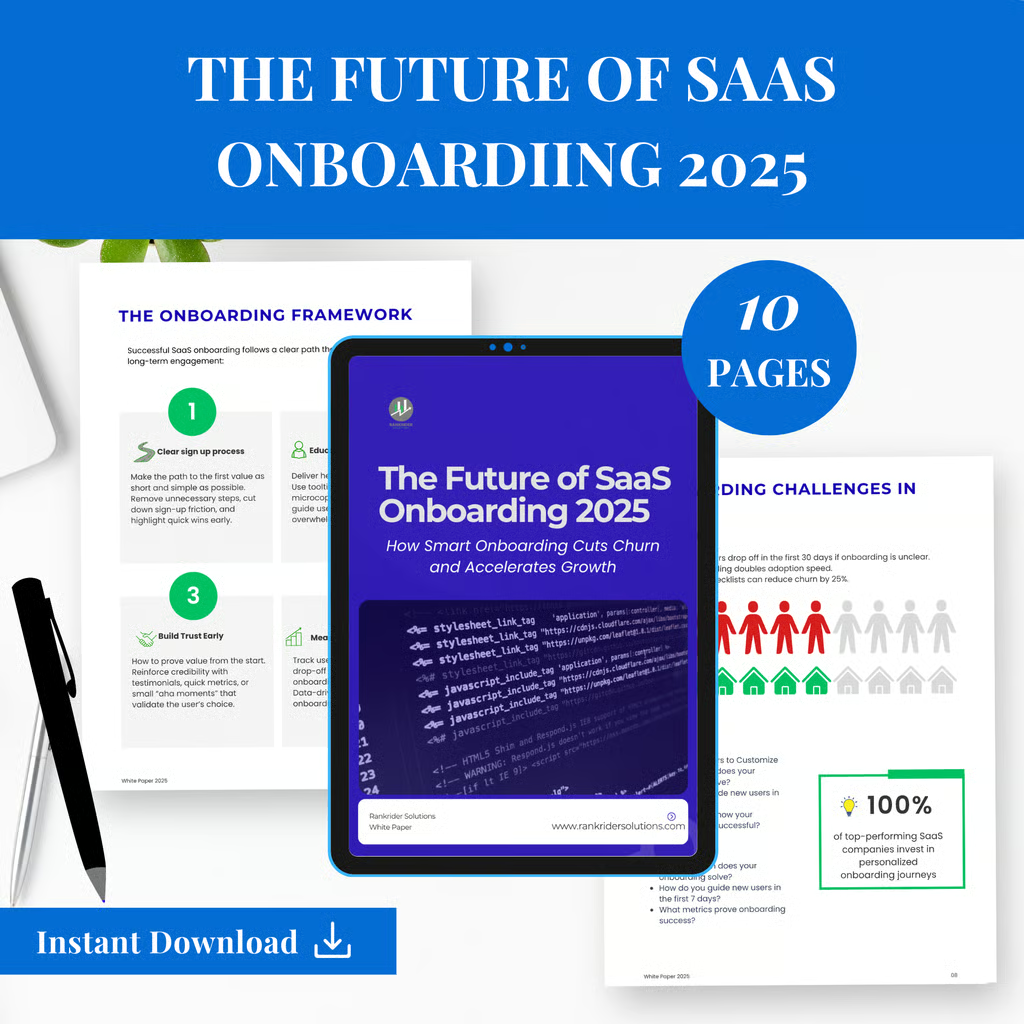
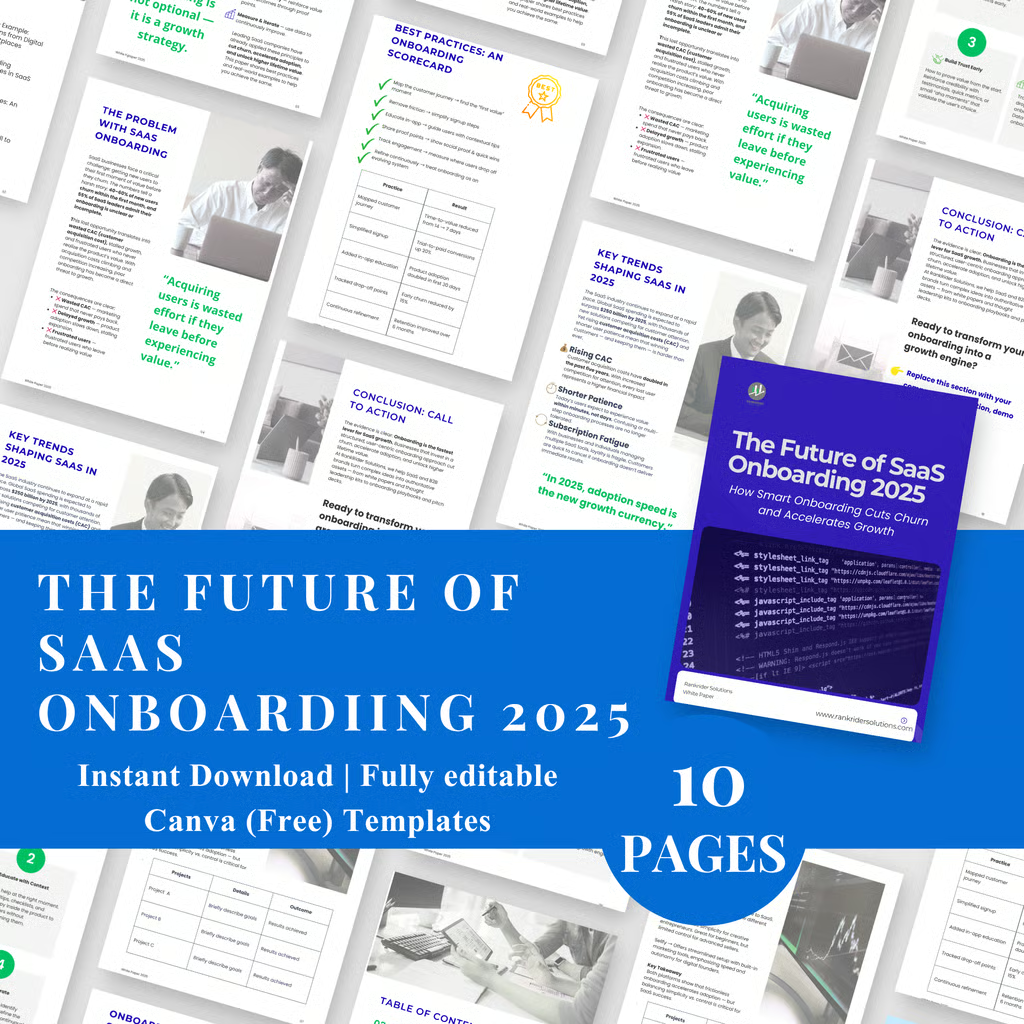
Create professional white papers, Canva templates, and digital downloads designed for SaaS founders, B2B marketers, and entrepreneurs. This editable Canva template makes it easy to design polished marketing kits, pitch decks, onboarding guides, and customer persona infographics without starting from scratch. Use it as a lead magnet, digital workbook, or business playbook to showcase expertise, attract clients, and build thought leadership. Fully customisable with your brand colours, fonts, and logo. Perfect for anyone looking to save time while creating professional templates that convert and grow your business. Instant digital download — edit today, use forever.
✨ What’s Included
✅ Editable Canva white paper template (share link provided)
✅ Pre-formatted sections (Executive Summary, Problem, Trends, Framework, Case Study, Best Practices, Conclusion)
✅ Infographic & chart placeholders
✅ Matching typography and clean layout
✅ Example content (replace with your own)
🛠 How to Edit
Open the Canva template link provided in your order.
Click “Use Template” → this will create your own editable copy.
Replace placeholder text with your own content.
Replace your logo, brand colours, and fonts and text (if desired).
Update icons, infographics, or charts using Canva’s free elements or your own uploads.
🎨 Customisation Tips
Colours: Use Canva’s colour styles to match your brand palette.
Fonts: This template uses free Canva fonts (Montserrat, Lato, Open Sans). Swap them if you have brand fonts.
Logos/Graphics: Replace placeholders with your company assets.
Charts/Graphs: Double-click charts to edit the data directly in Canva.
📤 Export & Share
When finished, click Download → PDF Standard/Print for sharing.
You can also export as PNG/JPEG for visuals or PowerPoint if needed.
⚡ Pro Tip
This white paper is structured using a proven B2B playbook strategy:
Hook → Problem → Trends → Solution → Case Example → Action Steps → Call-to-Action.
Follow this flow and you’ll have an authoritative, lead-generating asset every time
ReadMe Instructions for step-by-step guidance.
📘 How to Use Your Canva Template
Open the PDF you downloaded from the website RankRiderSolutions.com
Click the Canva Template Link inside.
Canva will ask: “Use template?” → Click Use Template to copy it to your account.
Replace placeholder text with your own content.
Customise fonts, colours, and logo to match your brand.
Edit icons/charts: double-click to update.
When finished → Download as PDF, PNG, or PPTX.
💡 Tips:
Canva is free to use — Pro not required.
Works on desktop or mobile app.
Save as a new copy if you want to create multiple versions.

Reviews
There are no reviews yet.